The shift
AI just became practical for every office-based business.
For the past two years, AI tools have been transforming how knowledge work gets done. Teams using them complete 40–66% more work in the same hours. But until now, these tools were built for technical teams. That's changing fast.
The same technology now works for law firms, accounting practices, insurance brokerages, real estate offices, and healthcare administrators. Any business that runs on documents, decisions, and communication.
Adoption in technical industries is running at 3x the rate of non-technical ones. The equivalent tools for office-based businesses are being built right now — and the early movers are already using them.
That gap is starting to close.
The problem
Your team is spending real hours on work that shouldn't require a human.
Think about a typical week: how much of your team's time goes to repetitive, rules-based tasks that follow the same pattern every time? Information gathering, document handling, client communication, status updates, internal coordination — work that runs on process, not judgement.
A competitor who automates these workflows can serve more clients, respond faster, and run at lower cost — with the same headcount.
Most businesses aren't there yet — not because the tools don't exist, but because nobody has mapped their specific workflows to what AI can actually do for them.
That's the assessment.
The solution
Assess. Plan. Automate.
Discover
The Operations Assessment
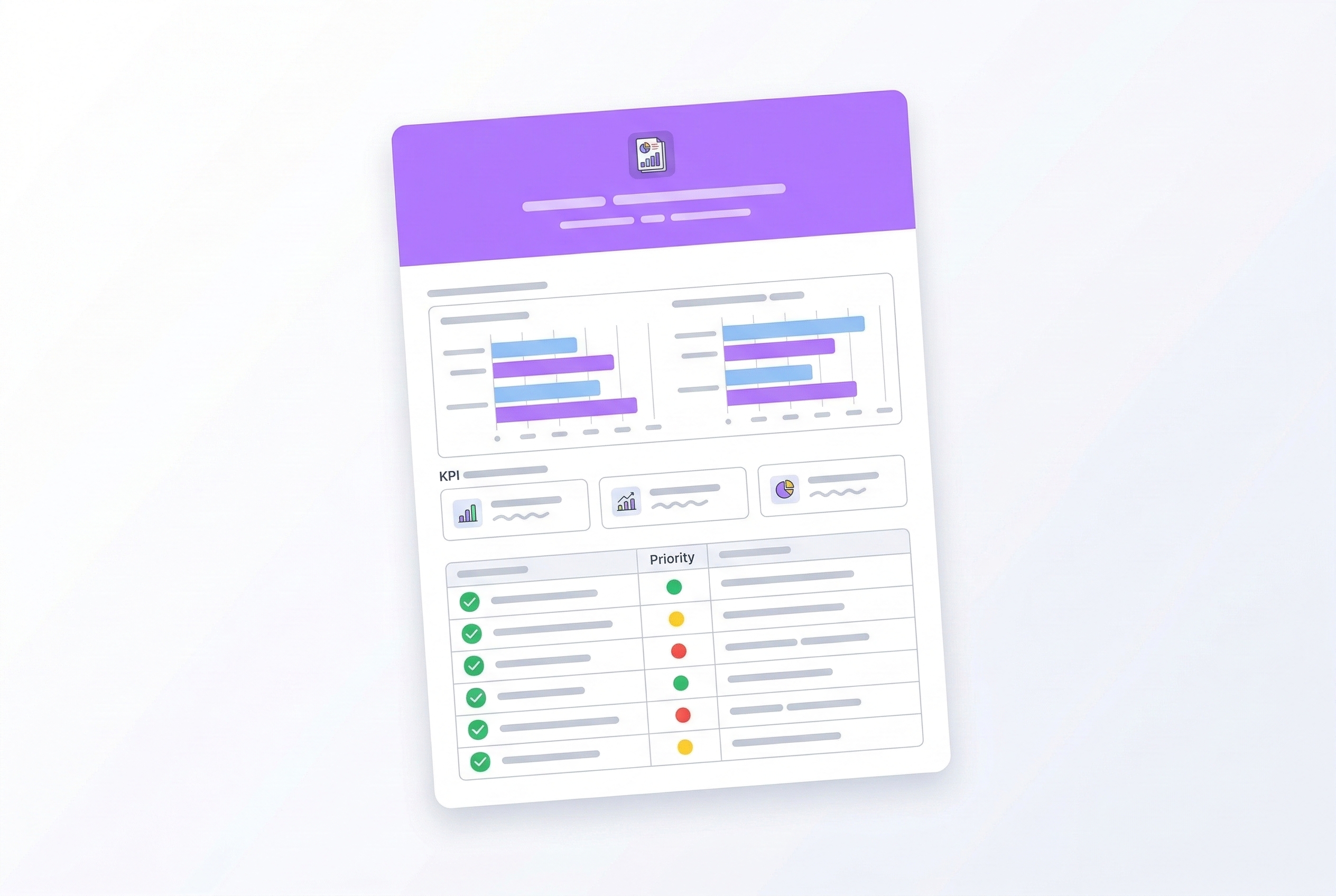
Your business gets mapped end to end — where information flows, where it gets stuck, what your team spends time on. You get a plain-English report with automatable workflows, estimated savings, and a prioritized roadmap.
Automate
Deployment
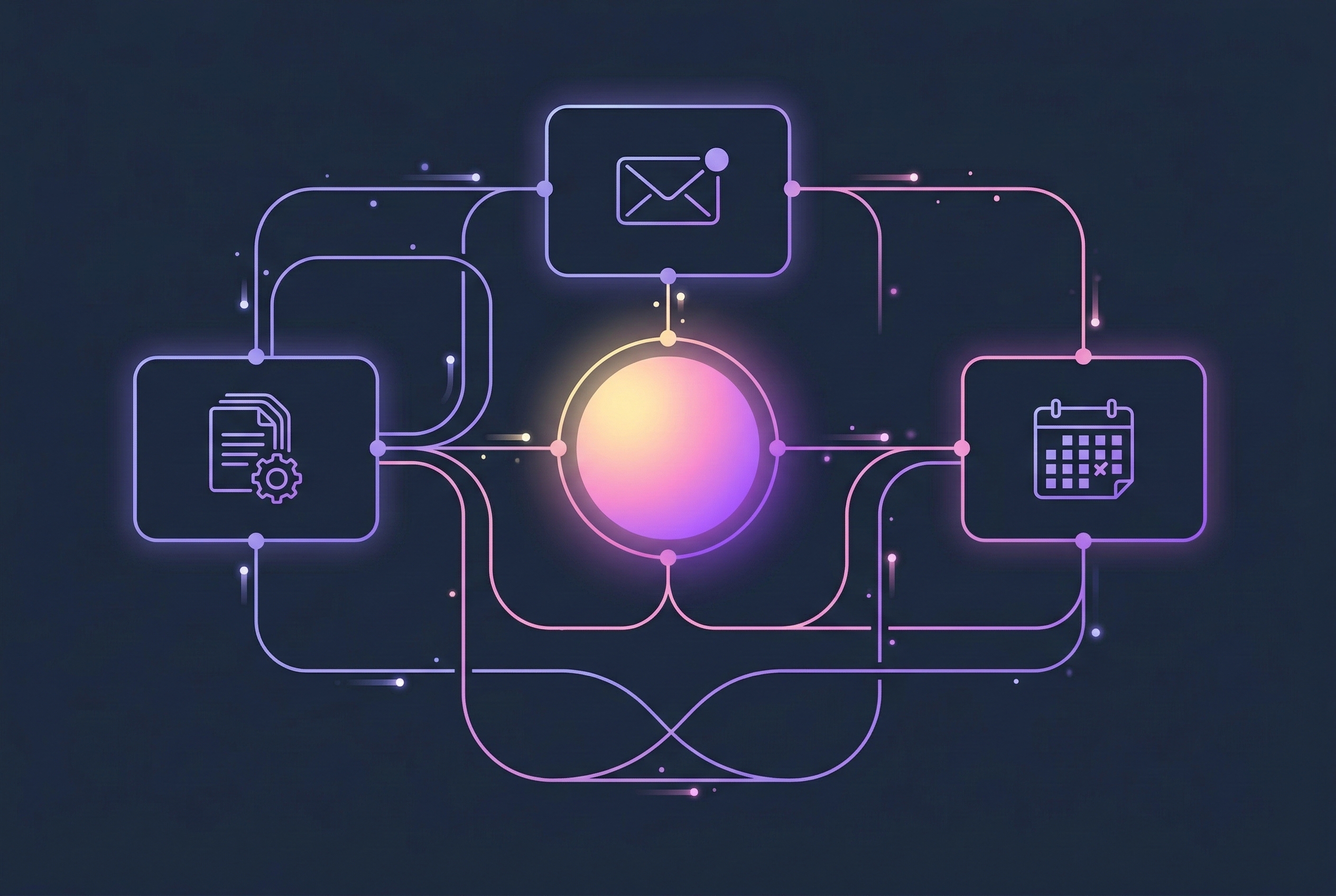
Custom AI systems are built around your specific workflows — automating the processes your team repeats daily, integrated with your existing software. No technical team needed.
Report
Yours to keep
The assessment report is yours regardless of what you decide next. Most companies find 3–7 workflows that can be automated right away.
Timeline
Live in weeks
First automations go from approval to deployment in weeks, not months. Larger rollouts are staged so you see results along the way.
Integration
Thousands of tools
BuildLayer integrates with virtually any software your business already uses. Compatibility is confirmed during the assessment.
How it works
Three steps to automated operations.
Book a free assessment call (30 minutes)
A 30-minute walkthrough of your current operations — what your team does day to day, where the friction is, what software you use. No prep required.
Receive your Operations Assessment report
Within a week, you get a breakdown of your automation opportunities, estimated time and cost savings, and a prioritized rollout plan.
Automations go live
If you want to move forward, BuildLayer deploys the automations. First workflows are typically running within weeks.
Who it's for
Businesses where most of the work is information-based.
If running your business involves documents, decisions, communication, and coordination — this is for you.
Legal
Contract review, client intake, legal research summaries, billing and time tracking, correspondence drafting.
78% of law firms still use no AI tools.
Accounting & Finance
Invoice processing, compliance documentation, client communication, tax research, report generation.
97% of AI-adopting finance teams report measurable ROI.
Healthcare Administration
Prior authorization processing, patient intake, referral management, claims follow-up, scheduling.
73% of admin tasks are repetitive and rules-based.
Insurance
Policy administration, claims triage, underwriting support, customer service, compliance tracking.
40–60% cost reductions projected for early adopters.
Real Estate
Lease management, vendor coordination, maintenance request routing, investor reporting, transaction documentation.
$34B in untapped operating efficiencies industry-wide.
Professional Services
Consulting firms, HR practices, marketing agencies, management consultants.
Consultants spend 40% of their time on non-billable admin.
Results
What changes when you automate.
10–20 hrs
Recovered per week
Tasks that used to take hours are handled automatically. Your team’s time goes toward client work instead.
2–3x
Faster turnaround
Proposals, reports, and client responses go out faster — drafting and information-gathering happen automatically.
90%+
Fewer manual errors
Repetitive manual processes produce repetitive errors. Automated pipelines are consistent.
30–50%
More capacity
You take on more work without adding more hours. Same team, significantly more output.
These are typical ranges. The expected impact is calculated in your assessment before anything is built — so you know what you're getting, not just what's theoretically possible.
Why now
The gap between adopters and everyone else is widening every month.
58% → 89%
AI adoption among small businesses, 2025 to end of 2026.
$3.70
Return for every $1 spent on AI by enterprises that invested early.
97%
Of finance teams using AI report measurable ROI.
Every month you wait, your cost per output stays flat while competitors who've automated bring theirs down. The firm that auto-drafts proposals responds in hours instead of days. The practice that automates intake serves 30% more customers at lower cost.
The assessment is 30 minutes. The report is free. You'll know exactly where you stand.
FAQ
Frequently asked questions.
Do we need technical staff to work with BuildLayer?+
No. BuildLayer handles the technical side. You describe your operations; the automations get built around them.
How long does it take to go live?+
First automations typically go from approval to deployment in weeks, not months. Larger rollouts are staged so you see results along the way.
What software does BuildLayer integrate with?+
Most common business software — Gmail, Outlook, Salesforce, HubSpot, Clio, QuickBooks, Slack, Notion, and many others. Compatibility is confirmed during the assessment.
What happens if something doesn’t work as expected?+
Every deployment includes a monitoring and adjustment period. AI systems occasionally need tuning based on real-world data. That’s built into the process.
How is this different from buying an AI tool ourselves?+
Off-the-shelf AI tools are generic. BuildLayer creates automations specific to your workflows and your data. The assessment is what makes that possible — it means what gets built will actually save you time, not just what looks useful in a demo.
What does it cost?+
The assessment is free. Automation pricing is based on the number of workflows, complexity, and tools involved — and is included in your assessment report. Nothing is charged until you’ve seen the full plan and agreed to move forward.
Get started
Book a free assessment call.
30 minutes. You'll get a clear picture of what's automatable, what the savings look like, and what BuildLayer would deploy. No obligation.